Update, October 2026: The installation steps now use DVWA’s official Docker image and compose file, which run on a 64-bit Raspberry Pi OS. The third-party
cambartsimages used earlier were last updated in 2019 or are no longer available, and the commands published the app (and in one case its database) on every network interface. DVWA removed PHPIDS in 2023, so that option is gone. Some screenshots show the earlier setup. See the DVWA README.
You can build a penetration testing lab on a raspberry pi with DVWA to test your skills and also learn new tricks on how to attack and/or secure web applications in a safe environment.
The “Damn Vulnerable Web Application” also known as DVWA, is a vulnerable PHP/MySQL web application.
How to Install DVWA
The simplest and easiest way to install DVWA is with docker.
The DVWA project publishes an official image for 64-bit ARM (arm64) as well as amd64, so use a 64-bit Raspberry Pi OS. Assuming you have Docker with the Compose plugin installed, clone the project and start it:
git clone https://github.com/digininja/DVWA.git
cd DVWA
docker compose up -d
This pulls the DVWA image and a MariaDB database and starts both containers.
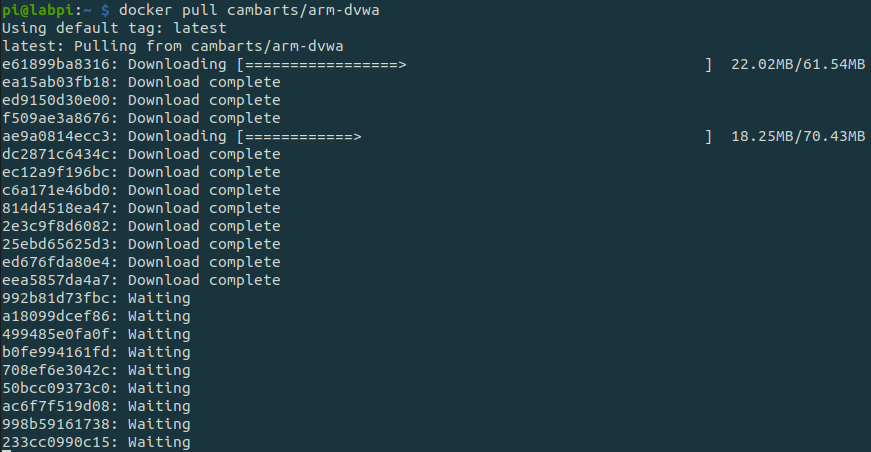
Run the following to list your docker containers and see them running:
docker psThe official compose file binds DVWA to localhost on port 4280, so it is reachable only from the Pi itself. Keep DVWA on an isolated network and never expose it to the Internet. To reach it from another machine on a lab network you control, change the 127.0.0.1:4280:80 port binding in compose.yml to the Pi’s LAN address, for example 192.168.10.27:4280:80.

Setup Database
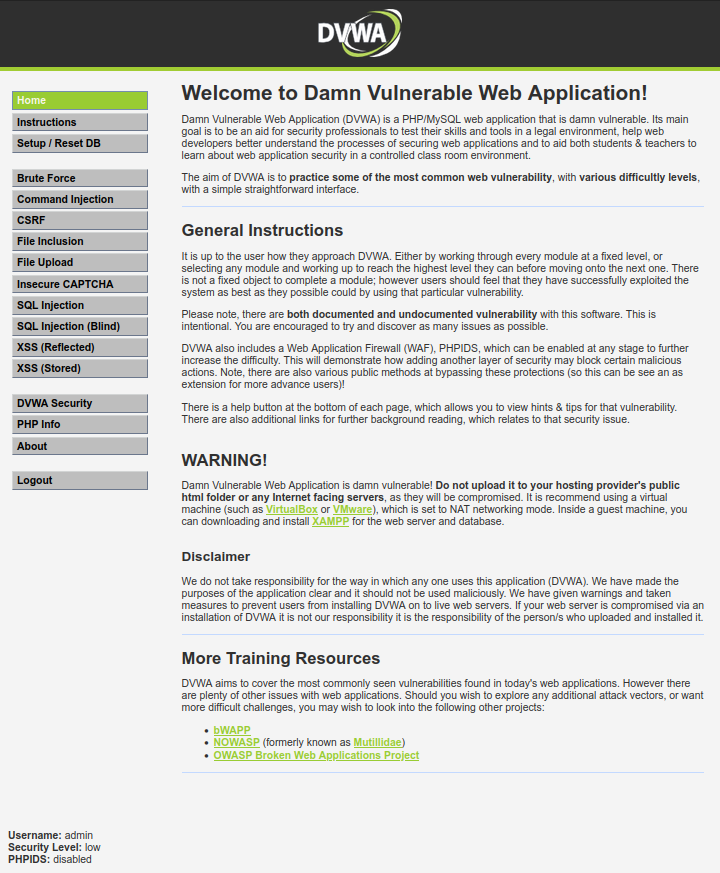
You may now navigate to DVWA on port 4280 (http://127.0.0.1:4280 on the Pi, or the LAN address you bound it to, in my case http://192.168.10.27:4280) and you will see the DVWA prompting you to setup the database.
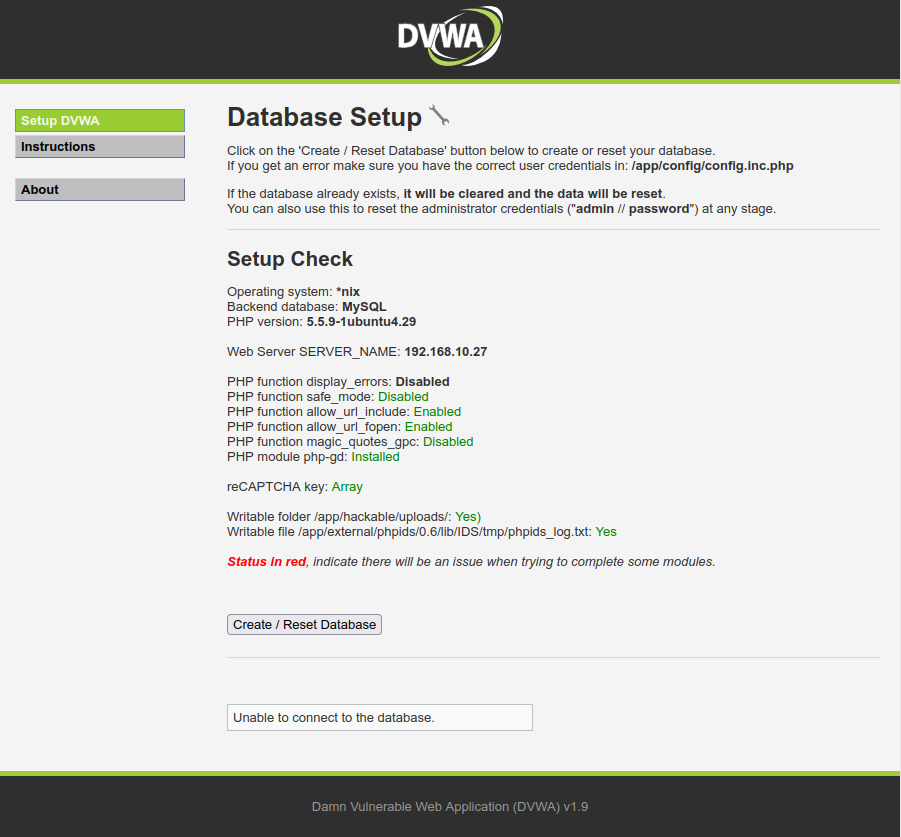
Click on “Create / Reset Database” and you will be redirected to the application’s login page.
Use “admin” and “password” and you are in!
Set the Security Level
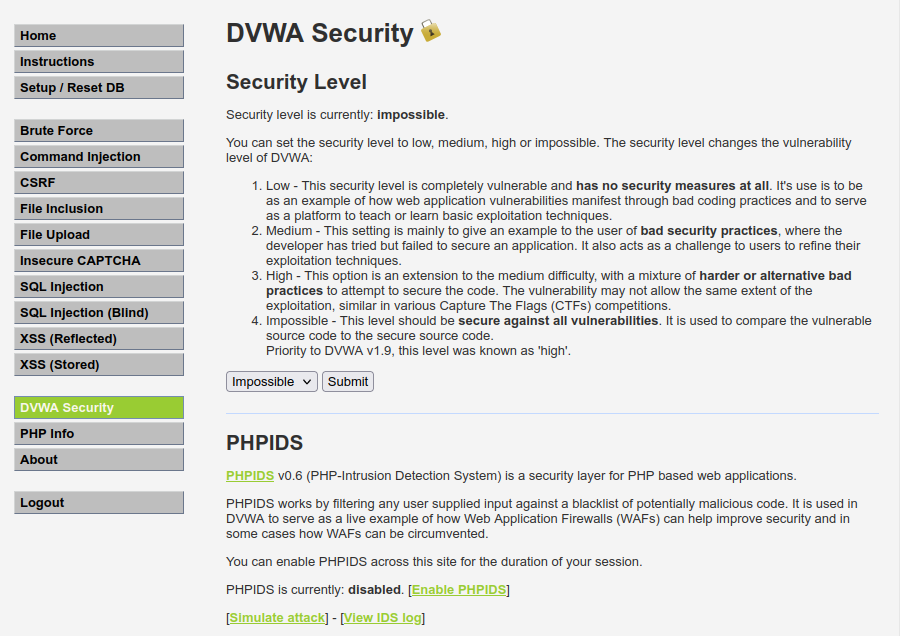
In DVWA there are 4 different security levels, low, medium, high and impossible. You may navigate to the “DVWA security” on the right menu to choose the level of your preference..
Attack Types
With DVWA you can practice several types of attacks. Start with “Low” security level and play with all the types of attacks, with several tools and techniques. Once you feel more comfortable, increase the security level to make the tests more challenging.
- Brute Force
- Command Injection
- CSRF
- File Inclusion
- File Upload
- Insecure Captcha
- SQL injection
- SQL injection (Blind)
- XSS reflected and stored
Learning while breaking stuff 🙂