Don’t rush and click links a random person puts out on social media, forums or websites.
It is a common method for malicious actors to direct you to a phishing site in order to harvest your username and passwords and also to make you download malicious software (malware). Always safely check if a website is dangerous before you click.
How to check if a website is safe: copy the link without opening it (right-click and copy, or long-press on a phone) and paste it into a free website safety checker such as VirusTotal, URLVoid, Sucuri SiteCheck, SSLTrust or Google Safe Browsing. These tools look the address up in many security vendors’ blocklists and scan the page from their own servers, so you never load it yourself. If any of them flags the site, do not visit it.
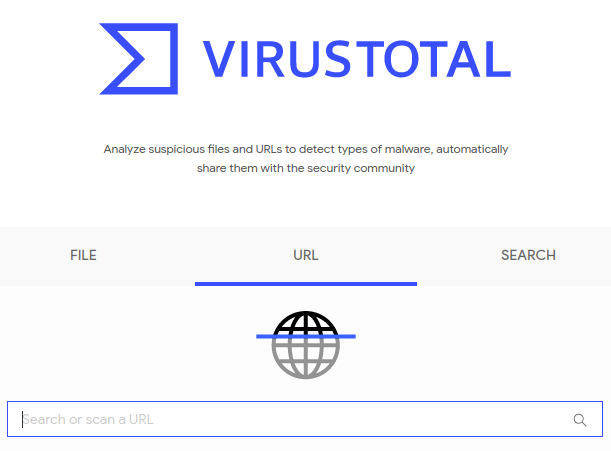
1. VirusTotal
Usually you wouldn’t need to go further than VirusTotal to check for a potentially malicious website. VirusTotal gives you a report for the given website from multiple security vendors.
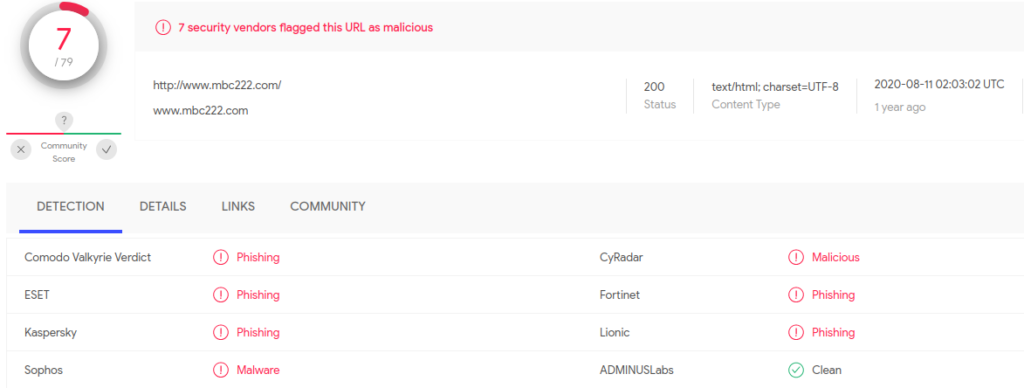
In the example below, the website www[.]mbc222[.]com has been found to be a phishing and/or malware website by 7 security vendors.
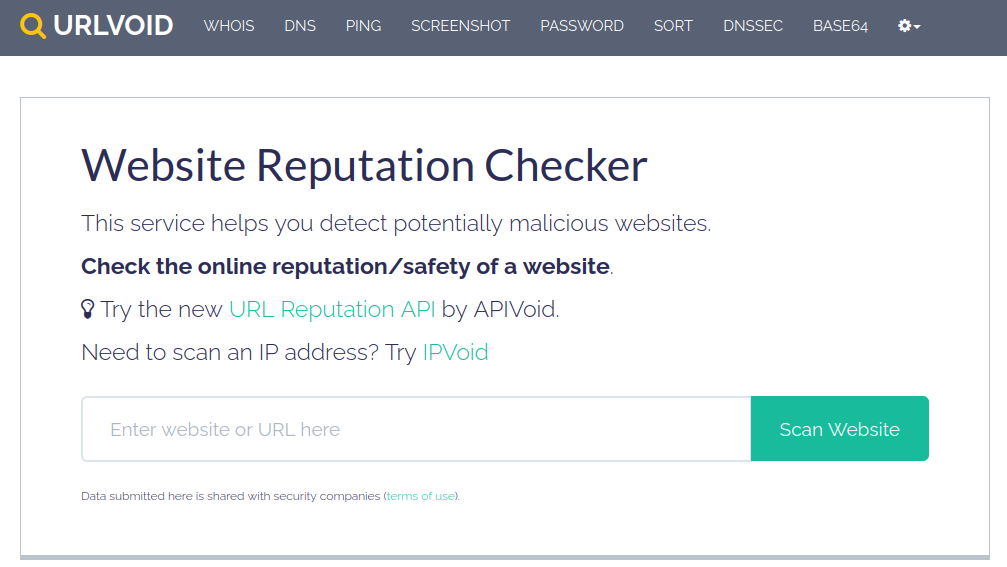
2. URLVoid
URLVoid is another good online resource to check for a website’s reputation without having to visit it.
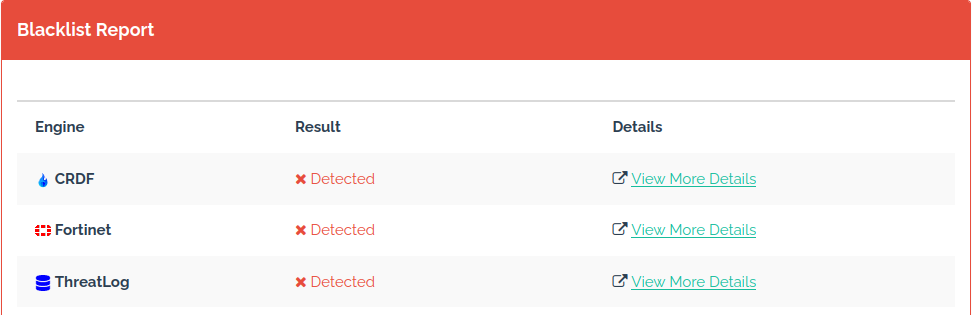
Here are the results for the same website as we searched before, with more scan engines finding it as malicious and “blacklisted” it.
3. Sucuri Sitecheck
Sucuri also offers a free online security check.
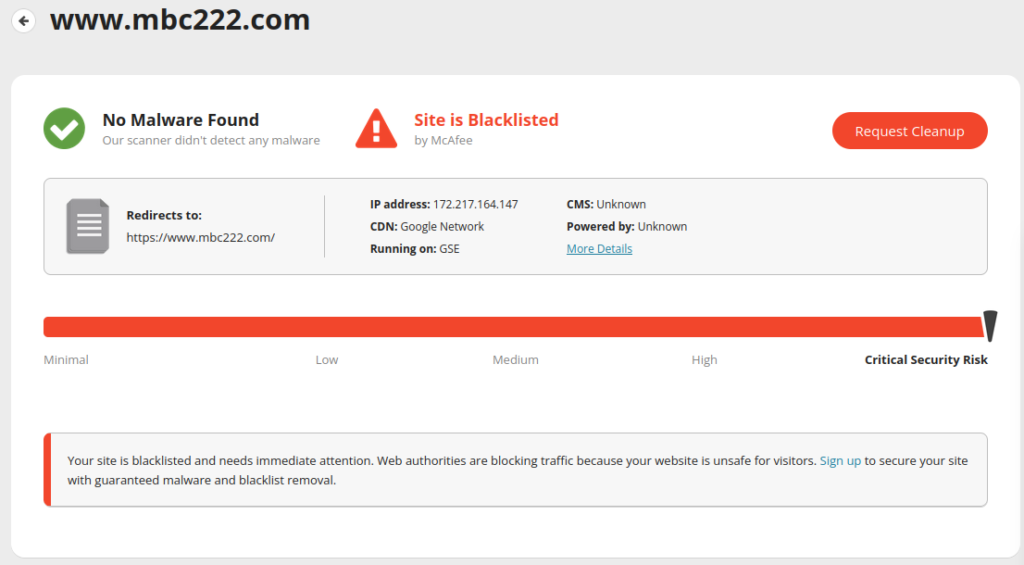
Results from Sucuri search:
4. SSLTrust
Our last tool in this list is SSLTrust security check. SSLTrust says it checks over 80 databases, from companies such as Google, Comodo, Opera and Sucuri. This tool can help decide if the website is safe to visit and share information with.
The results for the same domain we searched in the previous scan engines.
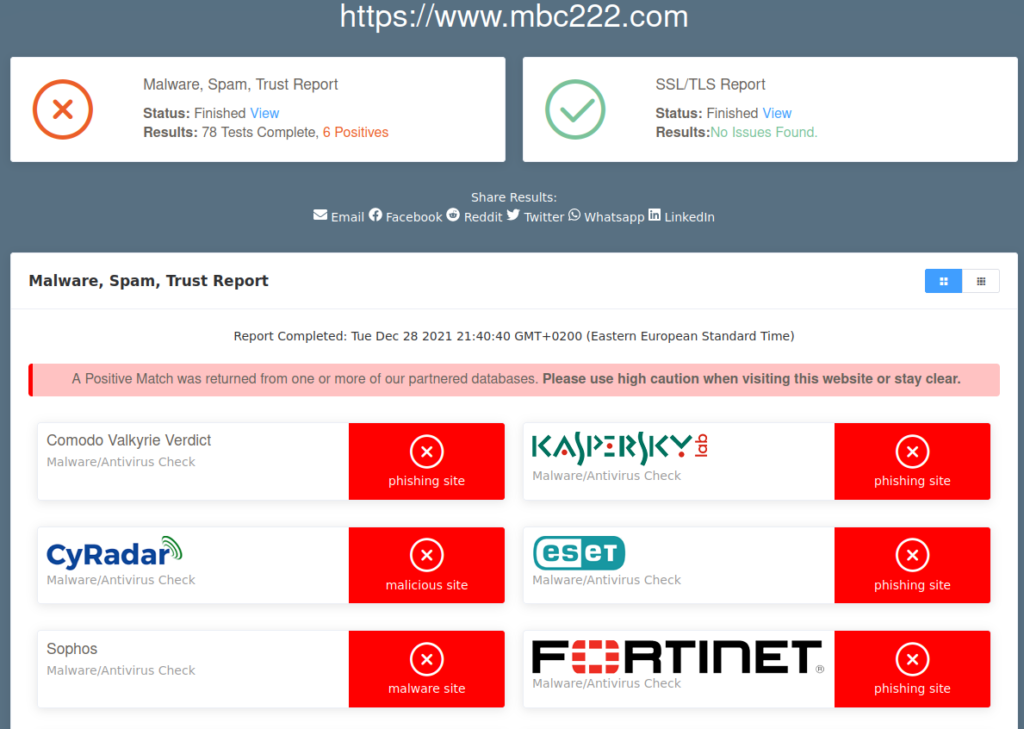
5. Google Safe Browsing
Google’s Safe Browsing site status page tells you whether Google currently considers a site unsafe, for example because it hosts malware or phishing pages. This is the same list Chrome, Firefox and Safari use to show their red warning pages.
What a clean result does not tell you
A website safety checker only knows about sites that have already been reported. A clean result means no one has flagged the site yet, not that it is safe:
- New phishing sites are often not listed yet. Many are only online for hours or days, so they can be gone before blocklists catch up.
- Check the address itself. Look for misspelled brand names, extra words or unusual endings, such as
paypal-secure-login.examplerather thanpaypal.com. - Do not sign in from a link. If a message asks you to log in, type the site’s address yourself or use a bookmark.
- A padlock is not a safety check. HTTPS only means the connection is encrypted; phishing sites use it too.
Always be on the lookout and never trust links posted by random people on the web or by emails sent to you both by people you know and others you don’t.